














Creating high-quality content no longer requires expensive studio equipment. Today, many creators build successful channels using budget-friendly tools that deliver impressive performance. Whether you're starting a YouTube channel, running a podcast, or producing social media content, affordable gear can help you create professional-looking results without stretching your budget.
In this guide, we explore the best budget tech tools and gadgets for content creators, from microphones and lighting to tripods and editing tools.
Why Budget Gear Matters for Creators
Many beginners assume they need a high-end camera, expensive lighting setup, and premium editing software before they can start creating content. In reality, skill and consistency matter more than equipment.
Budget tools allow creators to:
- Start producing content with minimal investment
- Focus on storytelling and creativity rather than gear
- Upgrade equipment gradually as their audience grows
For most creators, clear audio, stable footage, and proper lighting will make the biggest difference.
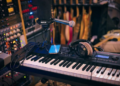
Budget Microphones for Clear Audio

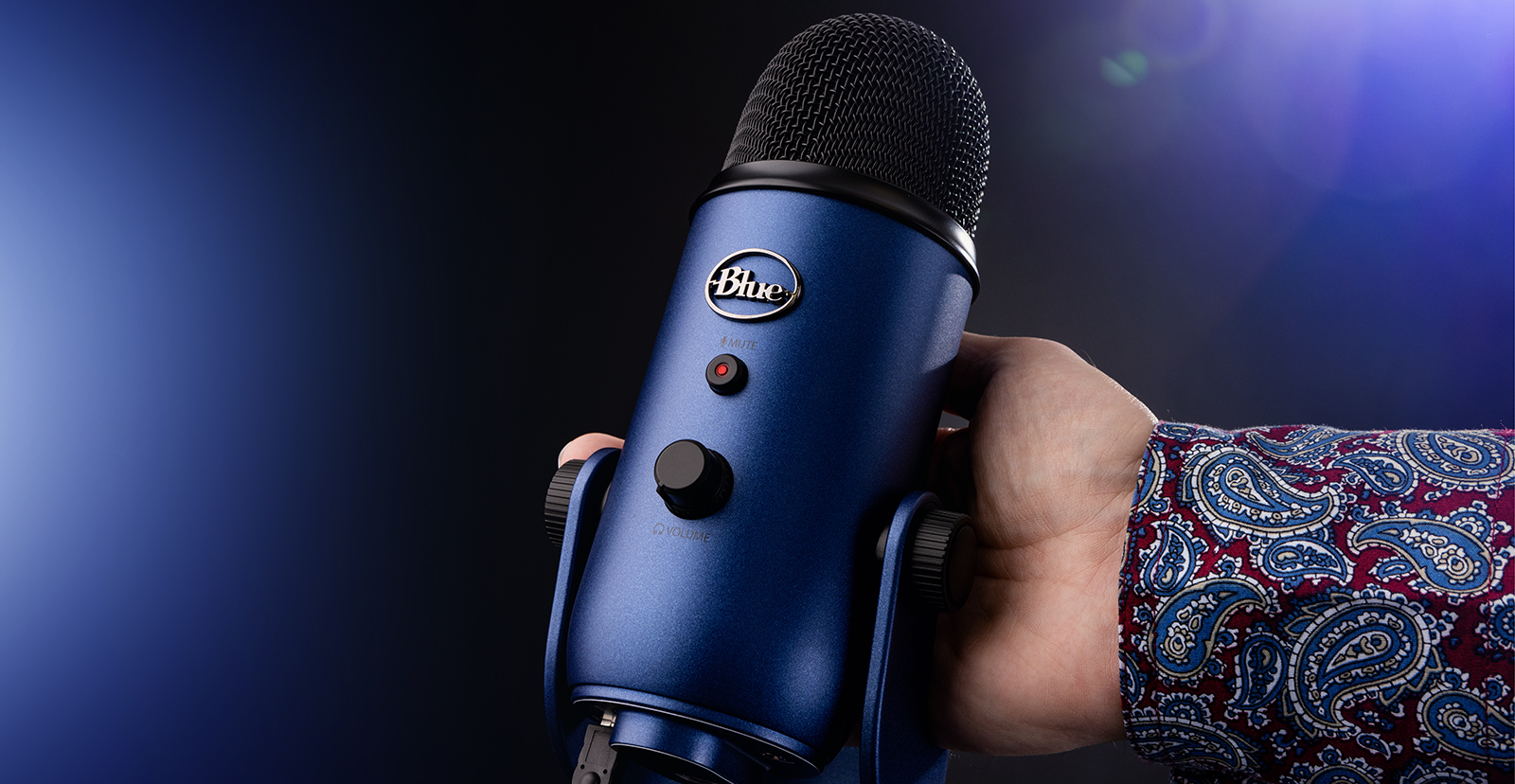
Audio quality is one of the most important factors in content production. Viewers may tolerate average video quality, but poor audio can quickly drive them away.
Built-in microphones on laptops, cameras, and smartphones often produce flat or noisy sound. An external microphone dramatically improves clarity and professionalism.
Recommended Budget Microphones
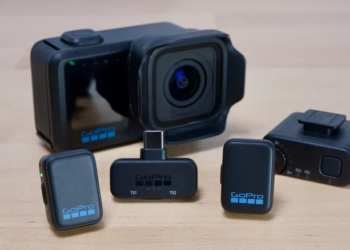
USB Microphones
- Ideal for podcasts, streaming, and voiceovers
- Plug-and-play with most computers
Lavalier (Clip-on) Microphones
- Great for interviews and mobile recording
- Compact and easy to use with smartphones
Typical Price Range
$30 – $100
For many creators, upgrading the microphone is the single best improvement they can make early on.
Affordable Lighting That Instantly Improves Video Quality


Lighting plays a crucial role in how professional your videos look. Even a smartphone camera can produce excellent footage when the lighting is well controlled.
Benefits of Good Lighting
- Reduces shadows and grainy footage
- Enhances facial clarity
- Creates a polished and professional visual style
Popular Budget Lighting Options
Ring Lights
- Perfect for talking-head videos and livestreams
- Even lighting that highlights facial features
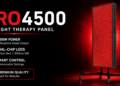
LED Panel Lights
- More flexible lighting angles
- Suitable for studio-style setups
Typical Price Range
$15 – $60
For beginner creators, investing in lighting often improves video quality more than upgrading the camera itself.
Smartphone Tripods for Stable Recording

Shaky footage can make even great content look unprofessional. A tripod ensures stable shots and allows creators to record hands-free.
Why Creators Use Tripods
- Stable and smooth video
- Easier framing and composition
- Ideal for tutorials, livestreams, and product reviews
Common Budget Options
- Flexible mini tripods
- Desktop tripods for streaming setups
- Smartphone tripod kits with remote shutter
Typical Price Range
$10 – $25
Despite the low cost, a tripod is one of the most valuable tools in a creator’s toolkit.
Smartphone Gimbals for Smooth Cinematic Footage

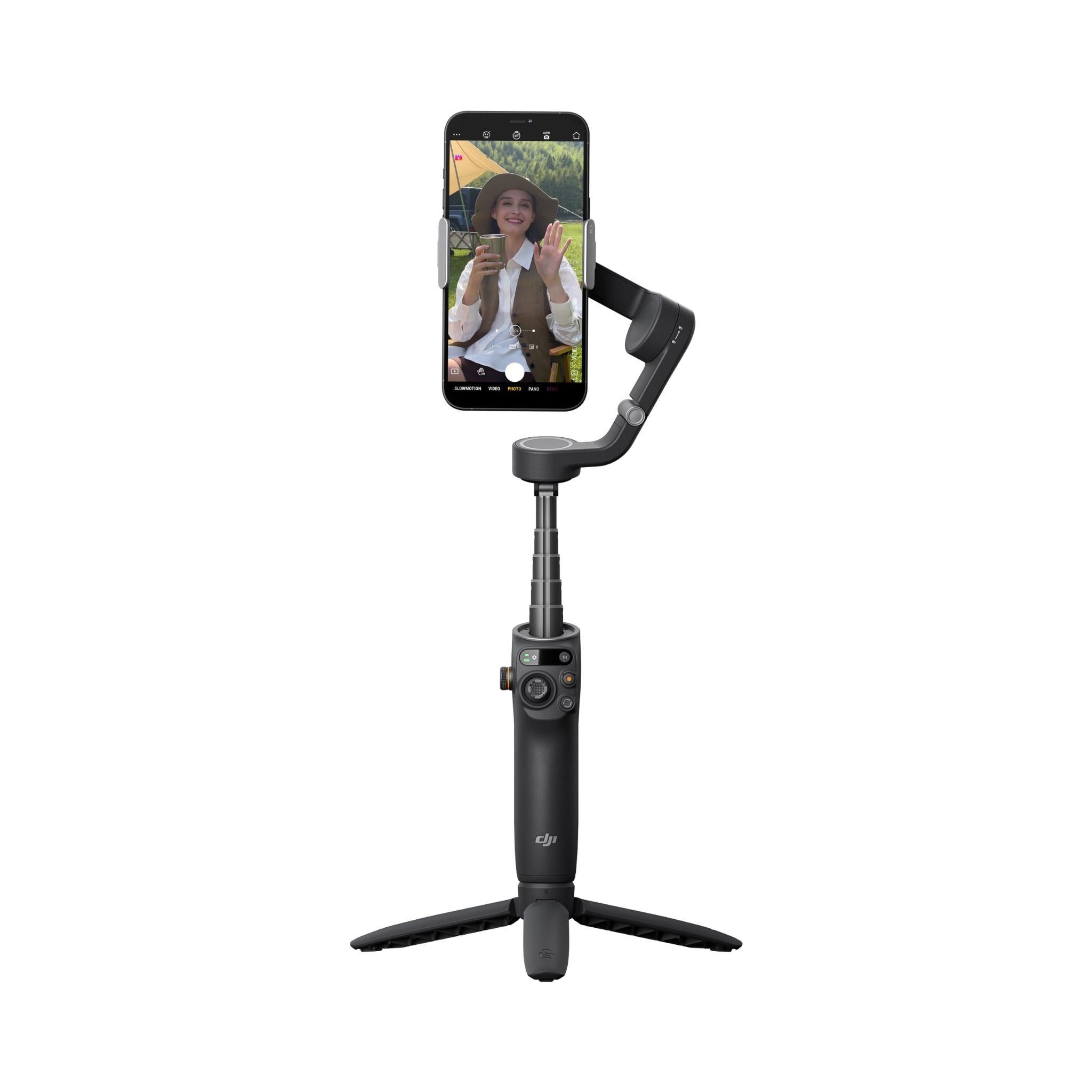
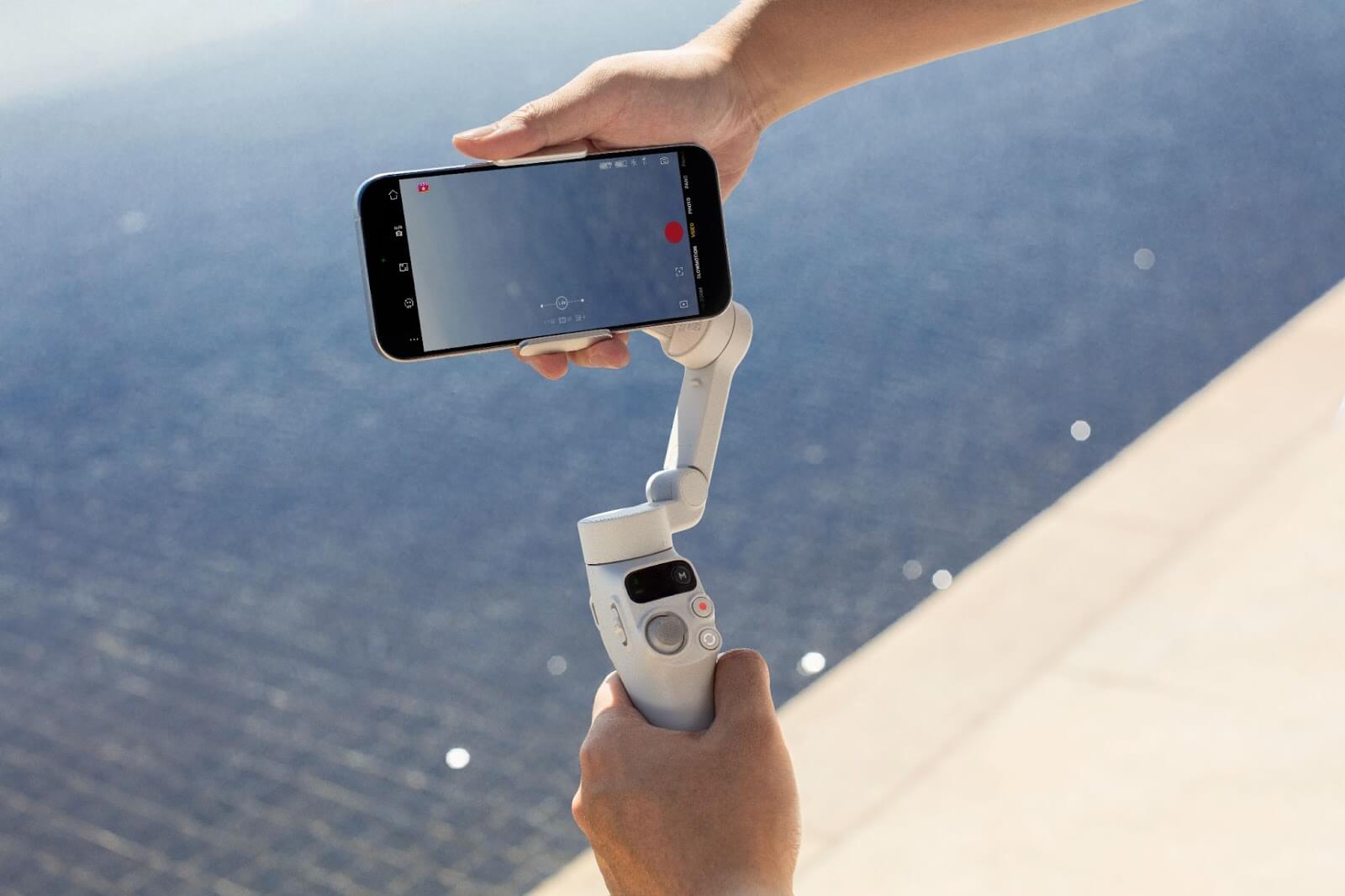
Creators who shoot videos while walking or moving often struggle with shaky footage. A smartphone gimbal solves this problem by stabilizing the camera using motorized balancing.
What Makes Gimbals Useful
- Smooth cinematic movement
- Professional-looking travel and lifestyle videos
- Better handheld filming for social media
Typical Price Range
$80 – $150
Although not essential for beginners, a gimbal is an excellent upgrade for creators who film dynamic content.
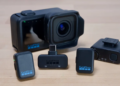
Budget Cameras for Beginner Creators


While smartphones are incredibly capable, some creators eventually choose to upgrade to a dedicated camera.
Entry-level vlogging cameras typically offer:
- Better low-light performance
- Strong autofocus for face tracking
- Flip screens for self-recording
These features make them ideal for YouTube videos, reviews, and creator-focused content.
Typical Price Range
$400 – $700
However, many creators successfully grow large audiences without ever leaving smartphone production.
Essential Free and Budget Software for Creators
Hardware is only one part of the production process. Editing and design software help transform raw footage into polished content.
Video Editing Tools
- DaVinci Resolve – Professional-grade editing with a powerful free version
- CapCut – Popular among short-form video creators
- Adobe Premiere Pro – Industry-standard editing platform
Design and Thumbnail Tools
- Canva – Easy thumbnail and graphic creation
- Figma – Ideal for layout and design projects
These tools allow creators to produce professional-quality content without expensive subscriptions.
Example Budget Creator Setup
A simple beginner creator setup could look like this:
| Equipment | Example Tool | Estimated Cost |
|---|---|---|
| Microphone | Entry-level USB mic | $40 |
| Lighting | Ring Light | $25 |
| Tripod | Smartphone tripod | $15 |
| Editing Software | DaVinci Resolve | Free |
Total estimated cost: about $80
With this setup, creators can already produce high-quality videos for platforms like YouTube, TikTok, or Instagram.
Final Thoughts
Great content isn’t defined by expensive gear. Many successful creators start with simple, affordable equipment and gradually upgrade as their audience grows.
If you're just getting started, focus on the essentials:
- Clear audio
- Stable footage
- Good lighting
- Consistent content production
Budget tools make it easier than ever to turn creative ideas into professional-looking content.